

An IED template is related to a Virtual IED drawn in the Function diagram.
The library also has the provision to reuse entire Virtual IEDs as templates. However, Virtual IEDs are assigned to functions that are typically stored as library elements of their own template.
Creating an IED from the library will then reference these independent library elements.
Modifying element template that is used by composite library element (e.g. function or equipment) will affect all composite library elements (Bays, IEDs, Processes) that use them!
Content
The following information related to Virtual IED is stored in the library:
-
Virtual IED properties
-
Logical device structure and function assignation
-
Association to Function template and Equipment function template
Then IED Template can be composed of other library elements (Equipment function template, Function template).
Representation on library
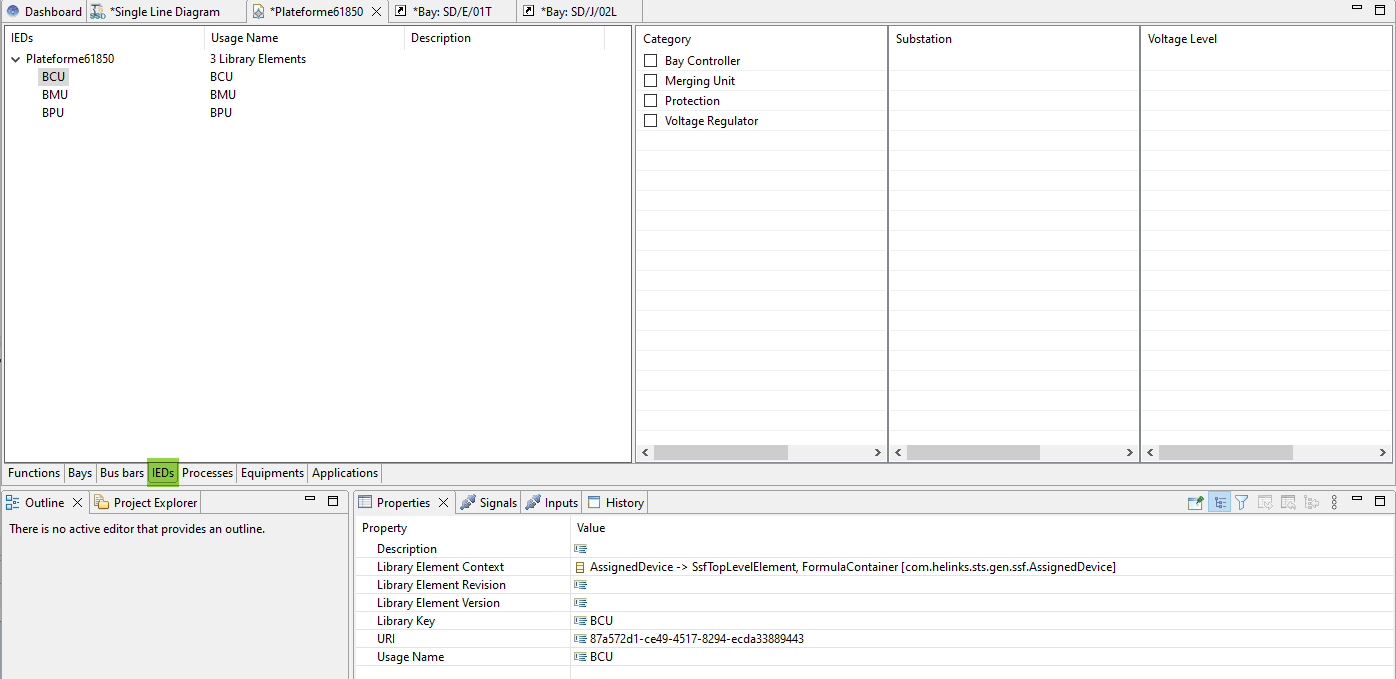
The IED is exposed on the library within the Library Manager over the IEDs tab.
Add to library
The add process is done with a right mouse click on the Virtual IED and using the contextual menu “add to library”.
Because this element can be composed of other element (Function template) adding an IED to the library is a more complex operation, as the library keys of the contained element must be managed as well:
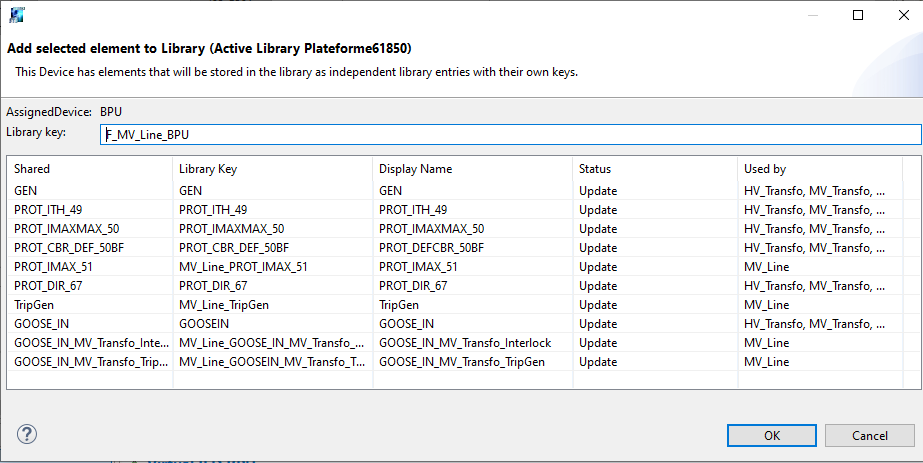
As with other library elements a library key must be specified in the ‘Add Bay to Library’ dialog.
In addition, there is a list of the components of the bay is exposed for information.
Update from library
Update from library isn’t available for IED element.
Usage
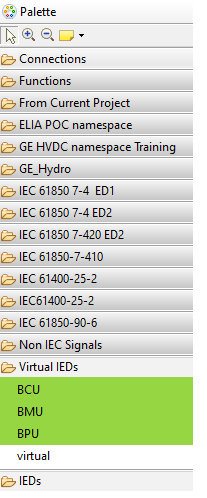
After an IED has been added to the library, its ‘Template’ property will show the library key, and the IED becomes available in the area of the editing palette under Virtual IEDs :
When a bay library element is used, a dialog is shown to customize the new Virtual IED. This dialog shows a list of element that can be instantiated as part of the IED.
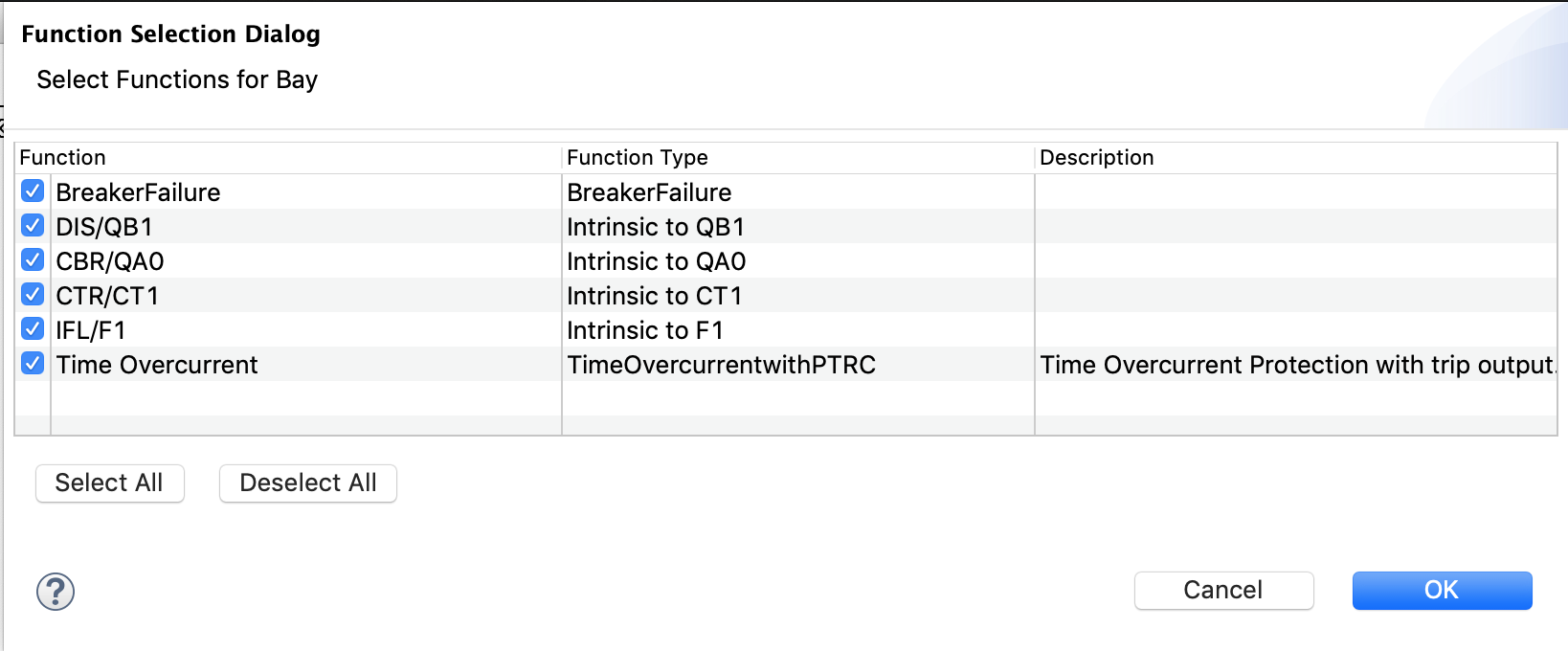
Deselecting checkmarks in this dialog will omit the deselected element from the new bay.