

Start HELINKS STS
Dear user, thank you for installing HELINKS STS!
To get up at speed please do the following tutorial. For this tutorial we are using a simple single bus bar system as an example project. Please start the STS application and let us begin!
-
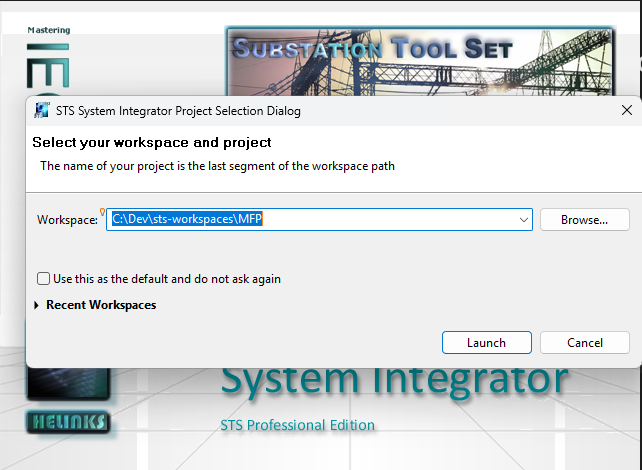
When STS prompts you for a workspace, please select the directory where you want to put your data . In our example we call the project “MFP”. (My First Project). The Name of the workspace must be identical to the name of your project.
-
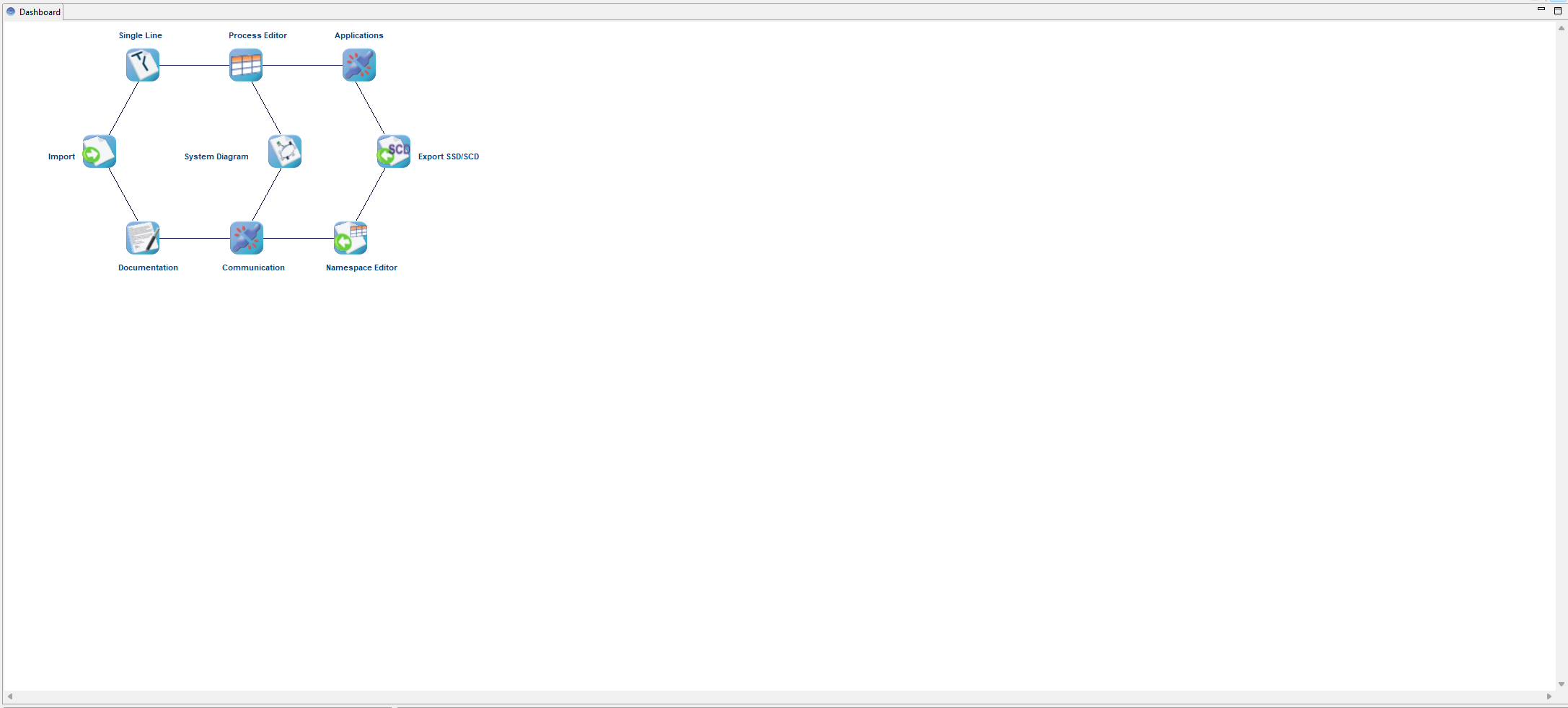
After creating the internal project files HELINKS STS shows the dashboard. The dashboard is the main navigation screen of HELINKS STS.
Next topic: Dashboard Operations