Logical node is a central concept in IEC61850 and is represented in Helinks STS by this element :

Creating new logical nodes
IEC 61850 defines logical node groups and classes. The first letter of the four-letter code of a logical node indicates the group this logical node belongs to. Logical nodes are organized in namespaces. STS ships with several default namespaces for edition 1 & 2 data definitions, as well as extensions for Hydro and DER.
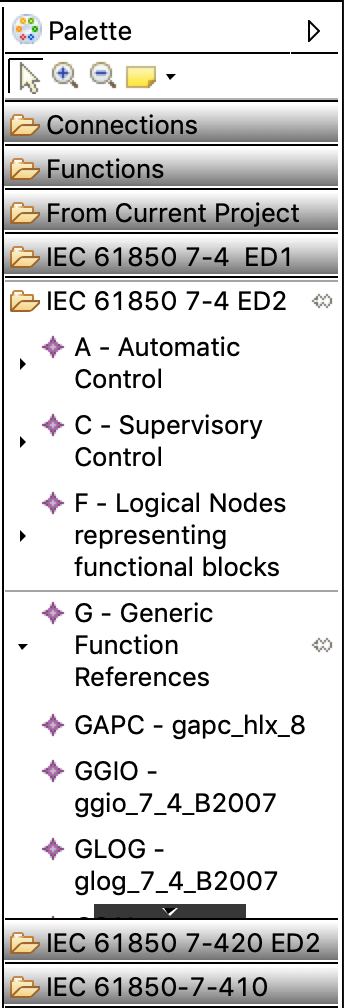
The Function Diagram Editor palette contains a drawer with all logical node types for each installed namespace:
Clicking on the small triangle of a Logical Node group opens the stack menu with the Logical Nodes. Selecting a Logical Node activates the Logical Node tool and the Logical Node can be placed in a Function group. After activating, the logical Node remains on top of the stack visible in the palette drawer for further use.