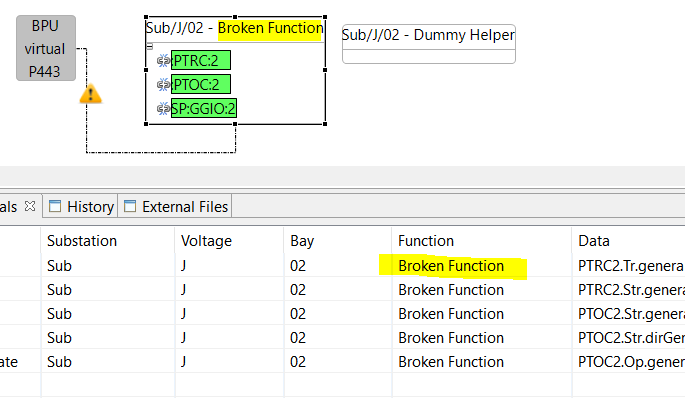
After an unforeseen internal error in STS we could end up with a situation that the context of Signals in the Process/Substation Structure is lost. In this case, the Signal List columns for Substation, Voltage Level, and Bay remain empty.
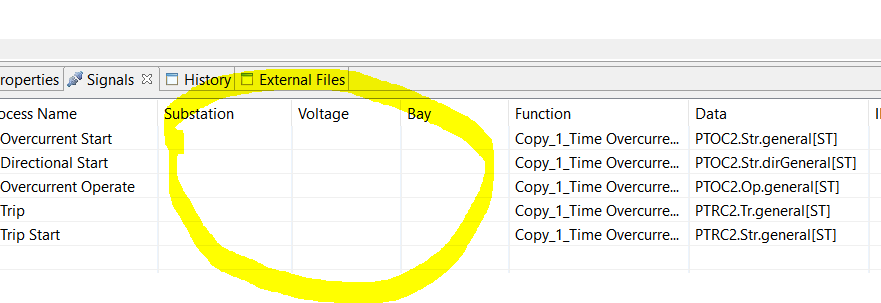
Be aware not to confound this error with the representation of Station Level Signals, where the Substation is set, but Voltage Level and Bay are empty.
Proceed in the following way to recover:
-
Create a new empty Function close to the Function with the “lost Signals”
-
Make sure the Broken Function is not connected to an implemented IED (Virtualize IED, or delete association)
-
Select all Logical Nodes and drag them into the Dummy Helper
-
Check if now the columns of the Signal List are properly set when you select the DumyHelper Function.
-
Then drag the Logical Nodes back to the original Function.
-
Now the problem should be fixed. The columns Substation, Voltage Level and Bay are properly set again.
-
Remove the empty “Dummy Helper” Function.
Create Dummy Helper

Move LNodes to Dummy Helper
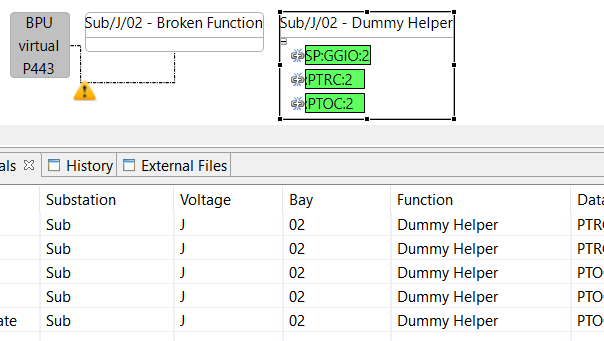
Move LNodes back