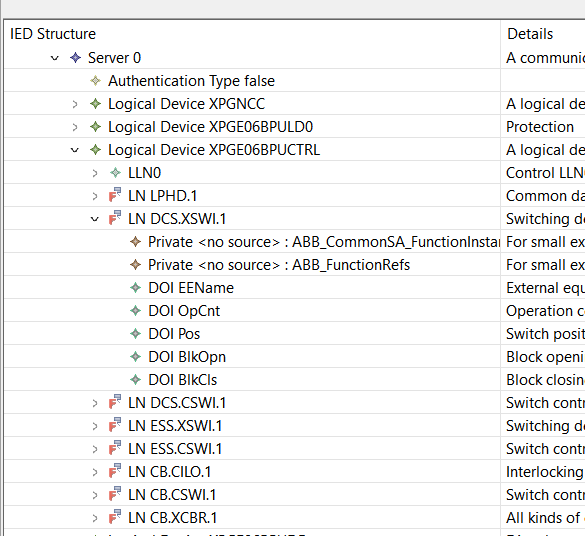
An IEC 61850 Proxy Server is a server that exposes and publishes data that it receives from other (original) servers.
The data model of the Proxy Server is created by mirroring the original servers. Helinks STS offers a wizard to create the Proxy Server Model from existing original servers.
📘 Instructions
The starting point is a project with already existing IEC 61850 configurations. In our example, we create a proxy data model for the XPG Gateway subscribing to existing MMS Reports.
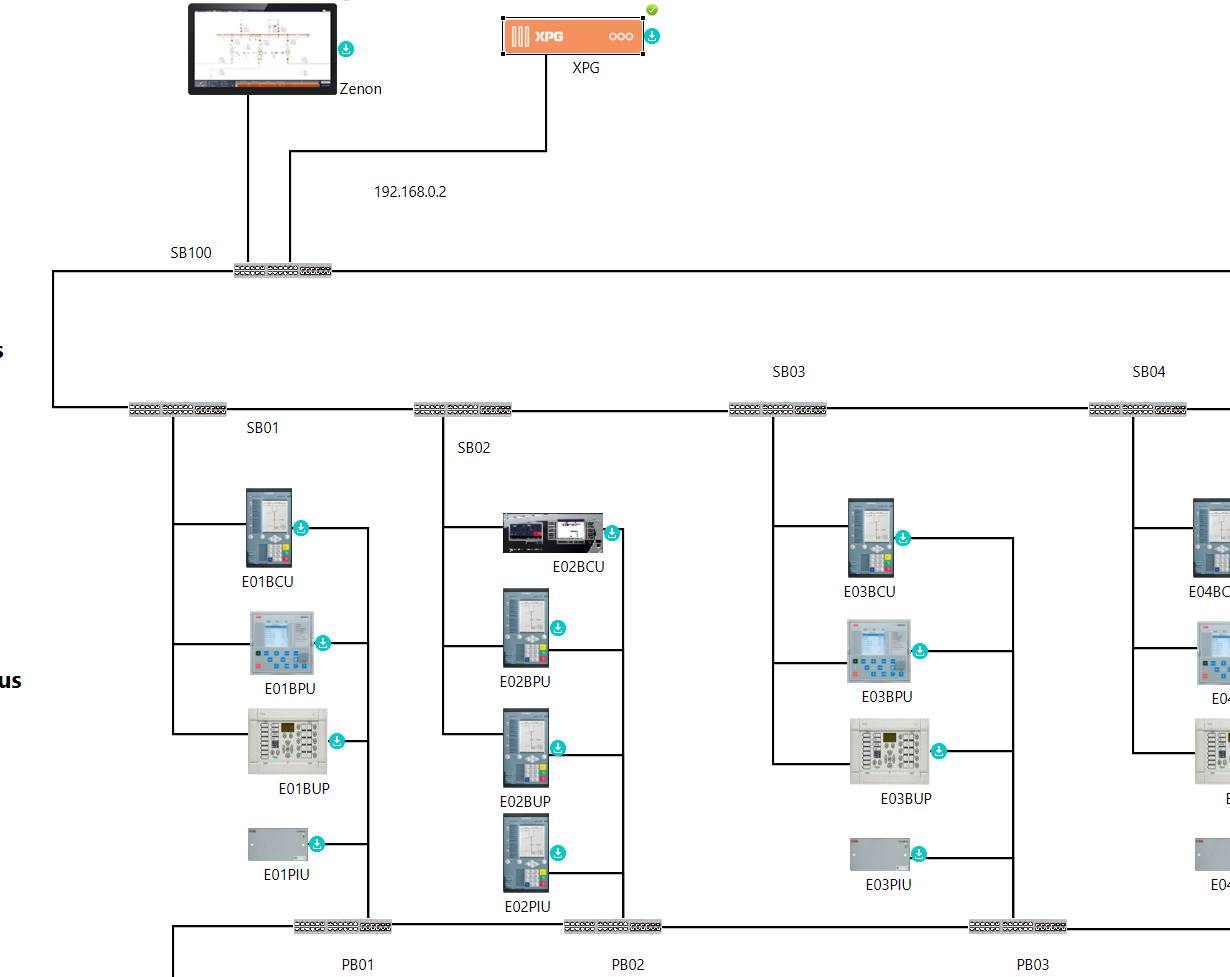
The example project is available here: Example Project Starting Point.
-
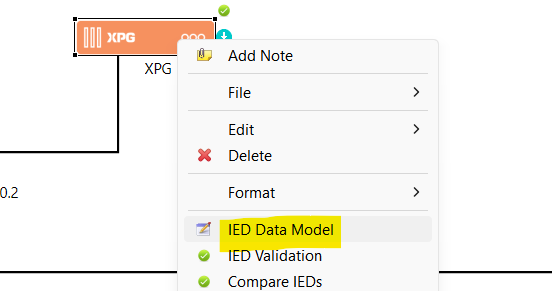
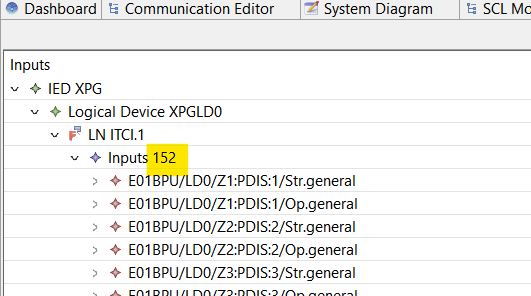
We check the MMS Report Subscriptions of the XPG gateway.
There are 152 configured ExtRefs subscribing to the different servers on the station bus.
-
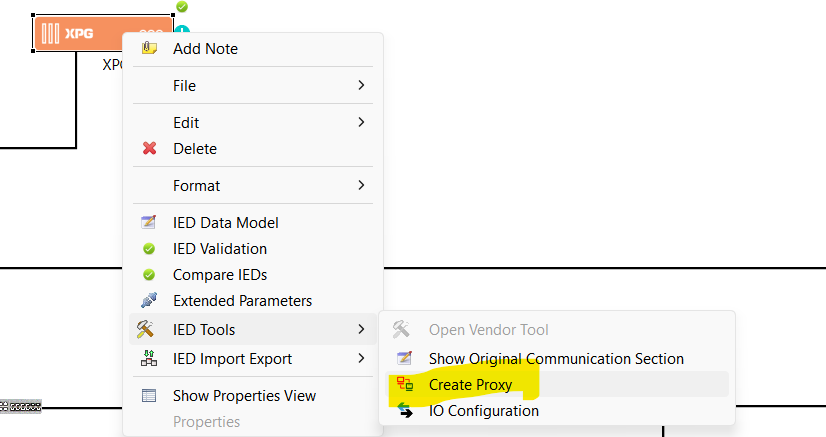
We select “Create Proxy” form the XPG context menu.
-
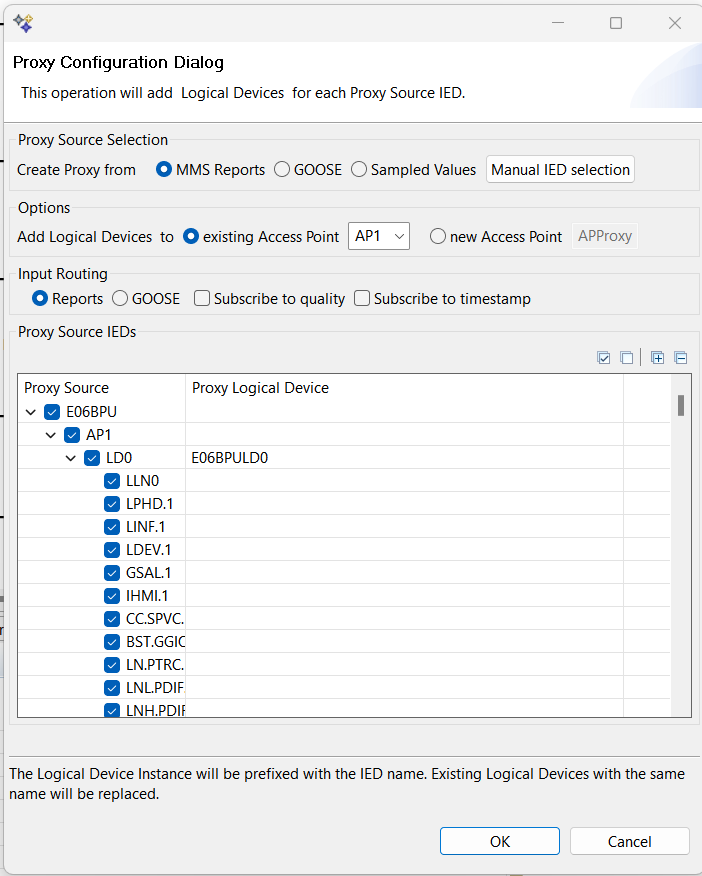
STS opens the Proxy wizard and shows a configuration dialog for the proxy.
-
We select the Proxy Source: MMS Reports. This adds all IEDs to the Proxy Model that public MMS Reports.
-
In the “Options” section we select “existing Access Point”.
-
The Input Routing option allows to set the intAddress of the ExtRef and link it to the Data Attribute of the Proxy Model.
-
The Proxy Source tree now shows all Logical Nodes of the Proxy Source. We can select Proxy LNodes individually or for all Logical Devices or IEDs.
-
After pressing OK STS updates the Gateway datamodel.