Open the single line diagram and the Functional Specification Diagram of the Bay 01.
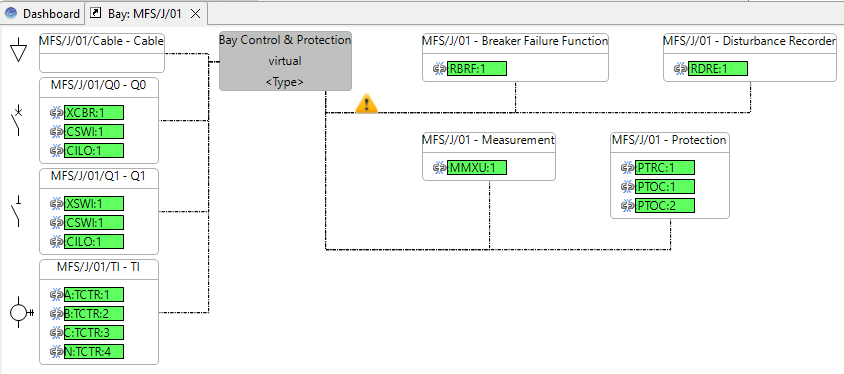
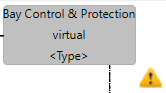
Virtual IEDs are placeholders: they describe what the IED must do but not which IED does it. Virtual IEDs are marked with a yellow triangle and are named virtual.
Right-click on the virtual IED and use the option "implement".
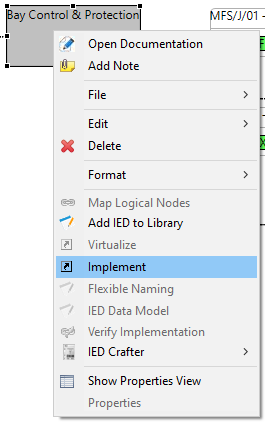
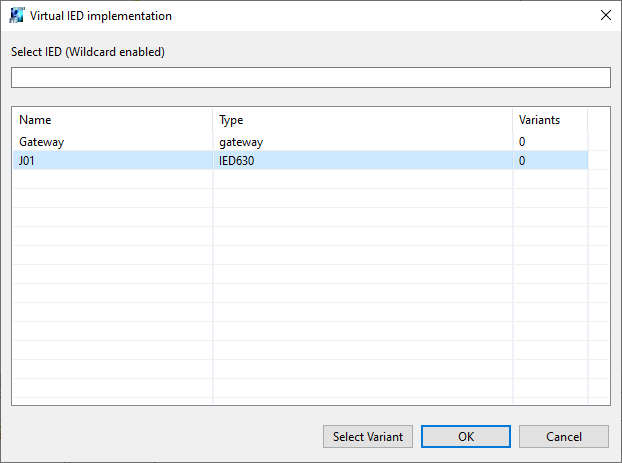
This will open a selection dialog that shows all the IEDs present in the System Diagram.
Select IED J01 from the List.
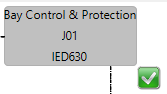
The virtual information is replaced by the IED name. The IED type is shown in the second line of the IED box. The yellow triangle is replaced by a green check mark.