In case of reverse engineering or for other reasons a bottom-up approach may be preferred. STS not only supports this approach but also allows you to document the different ways.
In this example we show how to document the usage of Logical Nodes in an IED that have not been specified first.
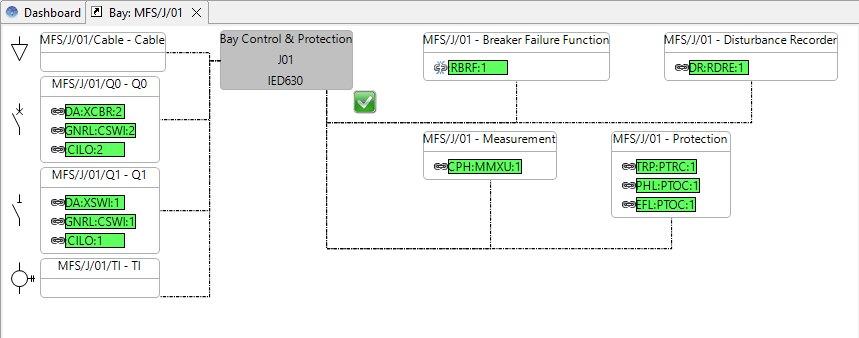
Open the Function Specification.
Note: The Measuring function contains a Logical Node for the calculation of currents and voltages for protection purposes, but now we want also to add some Metering values which have not been specified upfront.
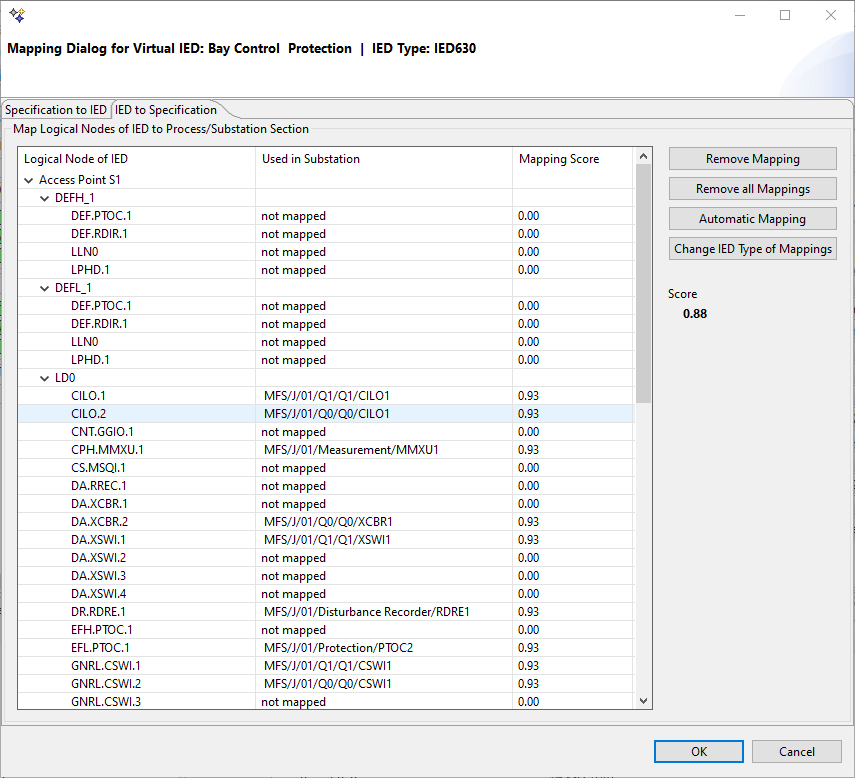
Double-click on the IED to open the Mapping Dialog. The bottom-up engineering is done within the context "IED to Specification".
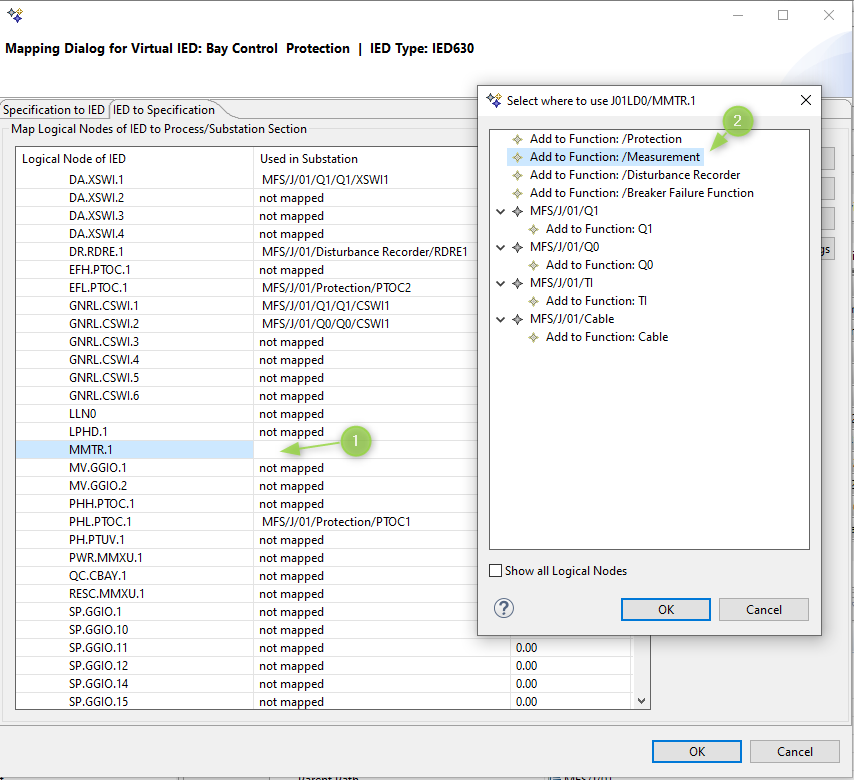
Select the MMTR metering Logical Node and select to add it to the Function Measurement
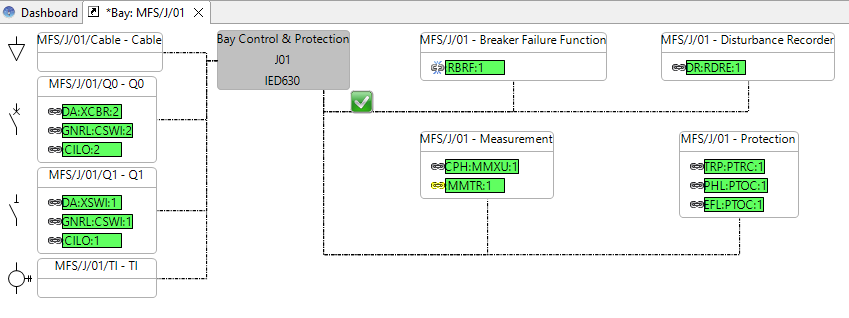
Observe that STS has placed the new measuring Logical Nodes in the Function group "Measurement". The chain element indicates that the Logical Node is mapped.
The yellow colour, however, indicates that the Logical Node has been added from the implementation without being specified previously.