IEC 61850 defines a hierarchical model of the objects in a substation.
Substation → Voltage Level → Bay
The Single Line Editor reflects this hierarchy.
A simple click on an object selects the object.
Unselect objects by clicking on the canvas.
Click on the canvas and drag open an embracing rectangle to select all objects contained. Operations like move, delete copy and paste are now performed on all objects belonging to the Substation MFS.
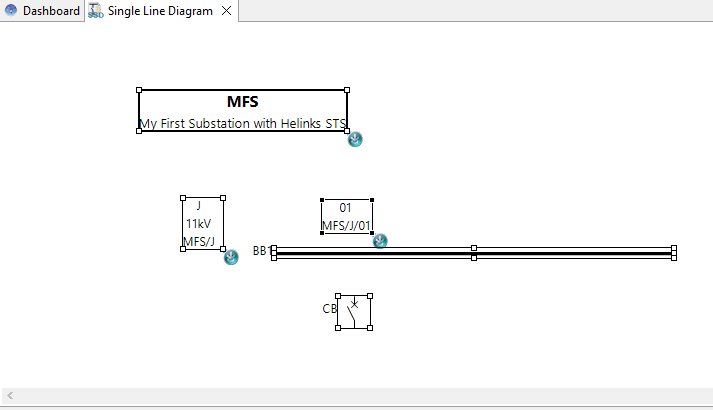
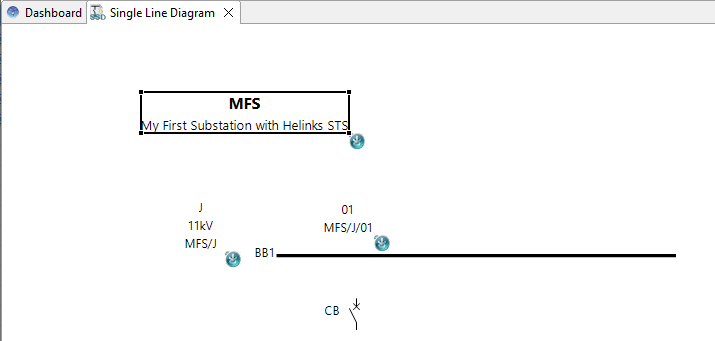
Click once more on the Substation to select the Substation only:
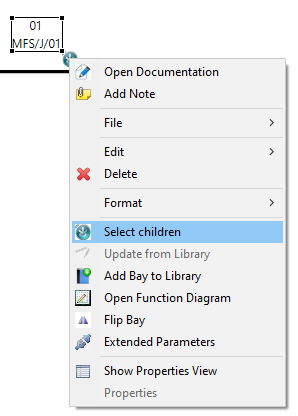
You can also use the right click option “Select children” to select all the children of a structure element.