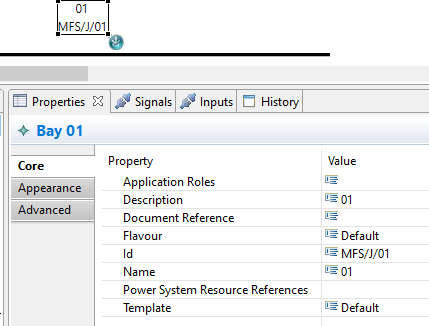
Select the object, then click on the Properties Tab in the lower part of the screen.
Here you see the properties of the selected object and can edit them.
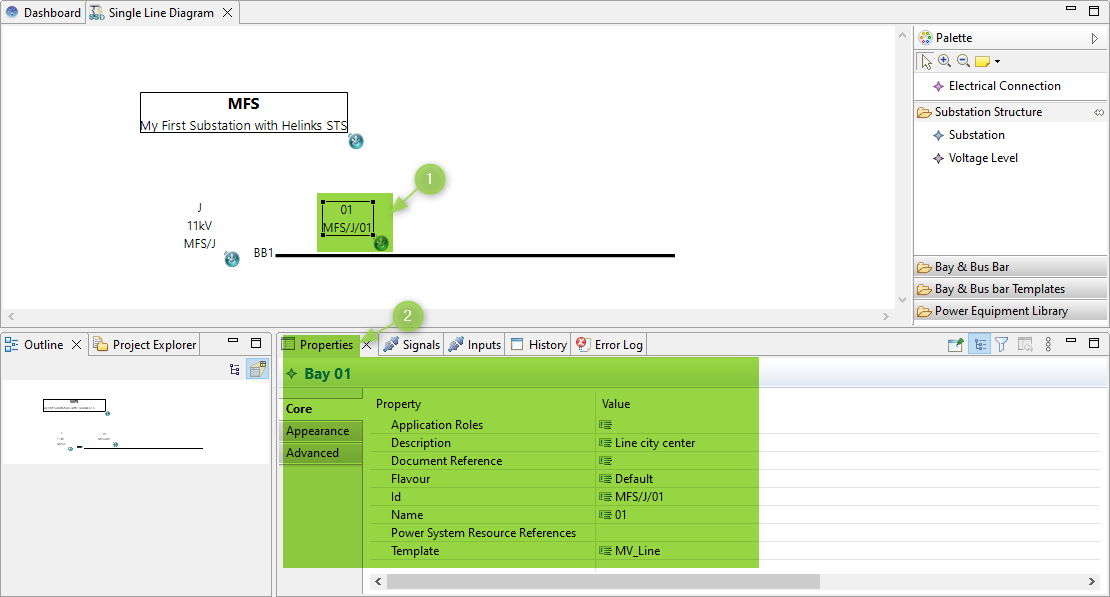
Each item has a property dialog. Feel free to look at the properties Tab in the lower part of the screen.
Enter a value for the attribute “description” (this will be shown later in the documentation).