

Select “Import SCL File” from the Dashboard.
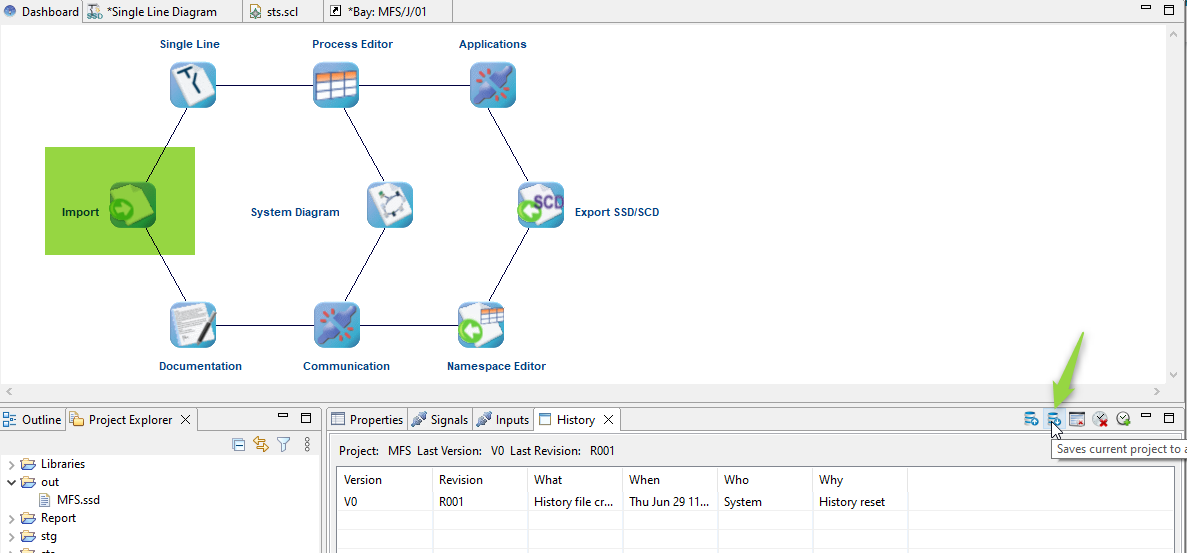
This will show you a file browser to let you select the file to import.
Import an ICD files given by your IED manufacturer.
The file type filter show you the different kind of SCL files supported.
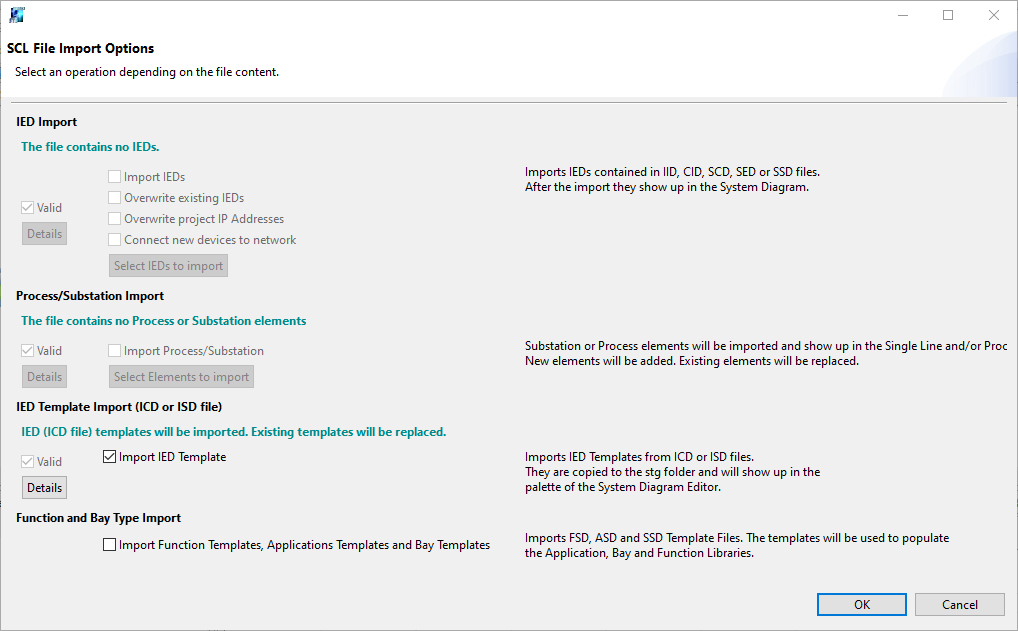
If the file is a valid SCL it is automatically detect by the importation dialog and the relevant information are shown.
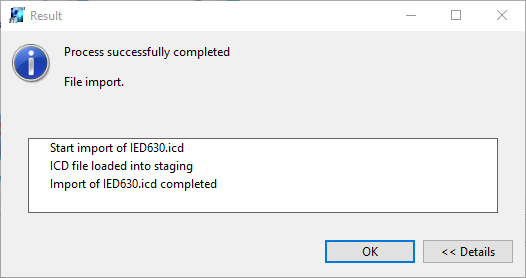
At the end of the process a Result dialog is shown
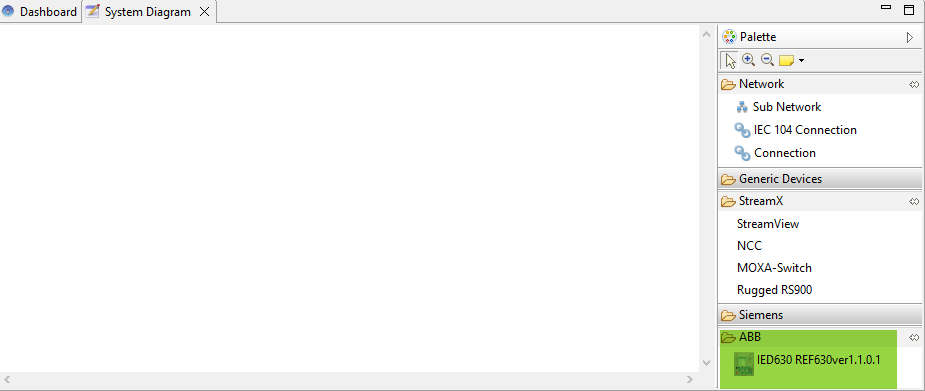
The palette of the System Diagram Editor is updated and the imported icd file is now available.
Parent topic: System Integration
Next topic: Create System Diagram