

Open the single line diagram and the Functional Specification Diagram of the Bay 01.
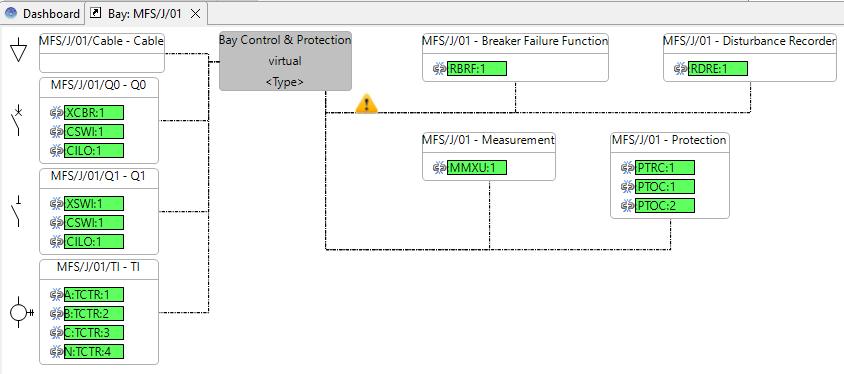
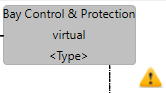
Currently the state of the virtual IED "Bay Control & protection" is virtual (in the specification phase) and this is snow by the yellow triangle icon.
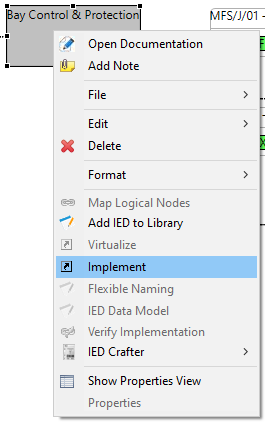
Right mouse click on the virtual IED and use the option "implement".
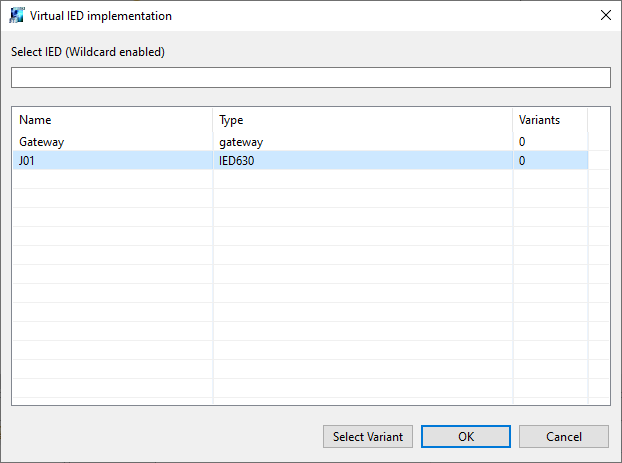
This will open a selection dialog that show all the IED present in the System Diagram.
Select IED J01 from the List.
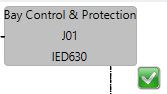
The virtual information is replaced by the IED name. The IED type is shown in the second line of the IED box. The yellow triangle is replaced by a green check mark.
Parent topic: Map Logical Nodes To IEDs
Next topic: Automapping of LNodes