

On the right part of the screen you have the drawing palette.
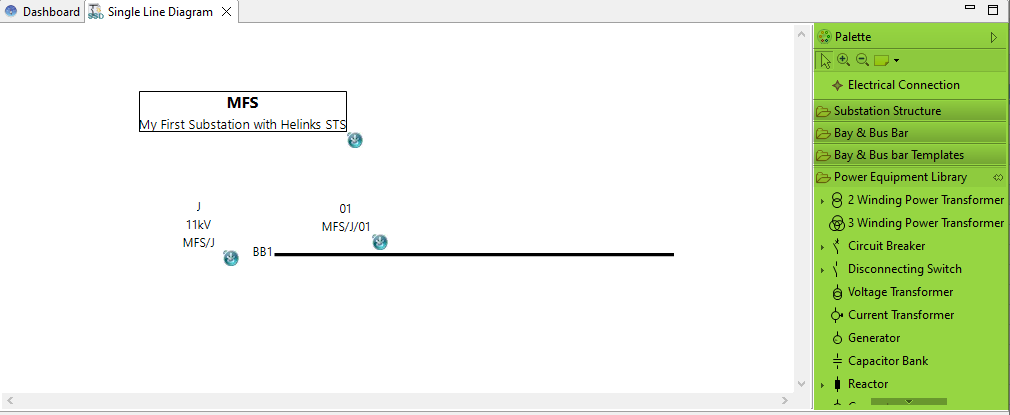
The drawing palette contains a group for “power Equipment Library”.
Make sure that the correct Substation/VoltageLevel/Bay element is active before adding a Power equipment element.
-
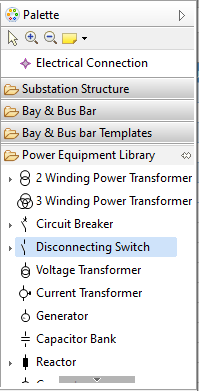
Select the type of element to add “Disconnecting Switch” in the palette by clicking on it.
-
When placing the object, just click where you want to put it. Do not drag and resize the object during placement.
-
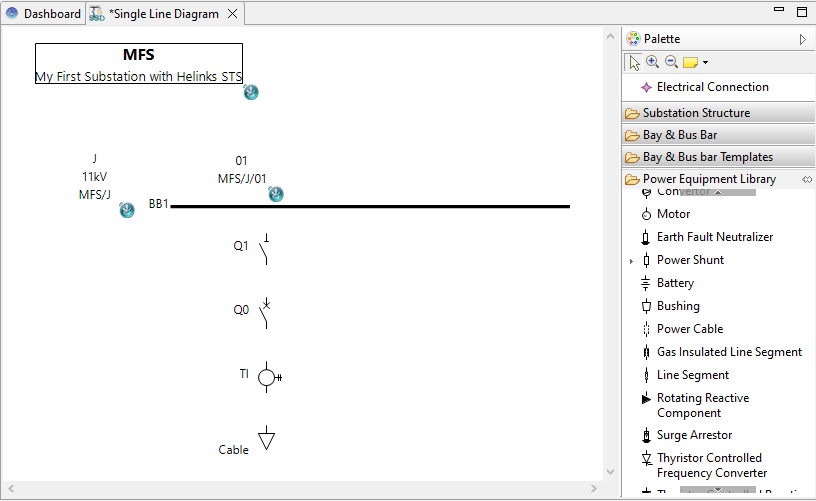
Give a name to the new added “Disconnecting Switch” Q1.
-
Repeat the operation for a "Circuit Breaker " Q0, a "Current Transformer" TI and a "Feeder" Cable. The "Feeder" is the last element in the Drawing Palette.
Parent topic: System Specification
Previous topic: How To Select Objects
Next topic: Use Guide To Align Objects